
The New Ways to Automate Technical SEO (and Save Time)
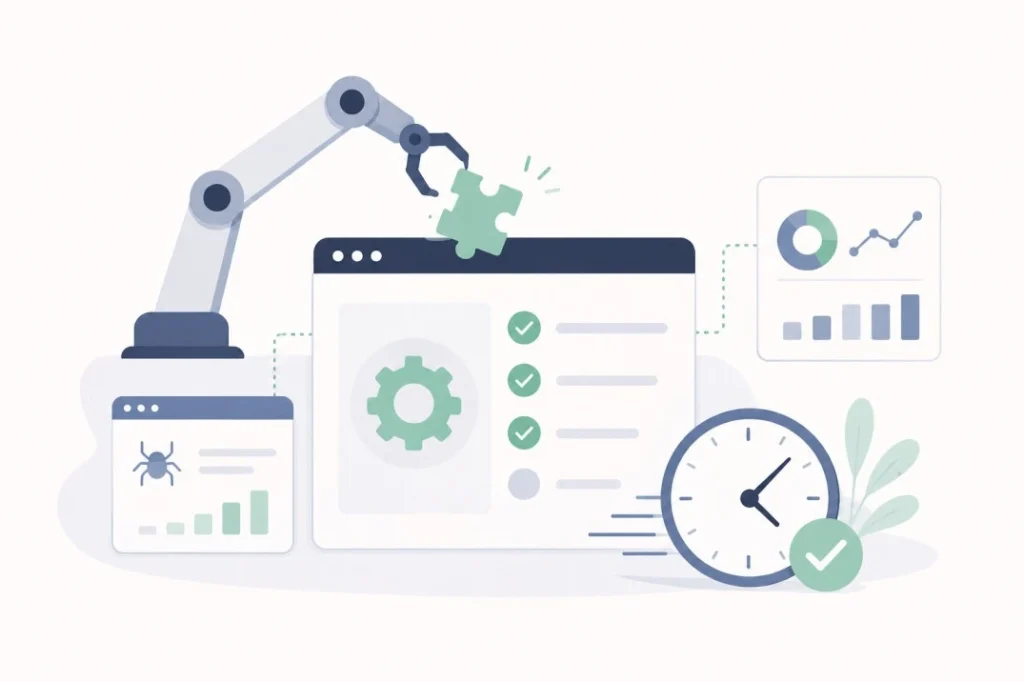
Technical work, whether in SEO or AEO, involves a large number of time-consuming and tedious tasks (for some of us) that nonetheless remain central to reaping the rewards. I’m talking about building Schema markup without a missing comma, endlessly digging through log lines to find the small detail you missed, recurring Screaming Frog crawls that run for hours… The list goes on.
The good news is that AI advances now let you automate more and more of this, and above all get quality results, as long as you know how to connect the right tools and ask for the right information with the right level of verification.
Here’s what to use, so you can focus on what matters even more:
Claude Cowork means business
Before using Claude Cowork, I managed my automations exclusively on Make, building useful routines that saved me a bit of time. I still use Make for complex tasks, but learning to use Cowork properly genuinely took me to another level.
Cowork is where a large share of low-to-medium complexity actions can be handled automatically and/or remotely, as long as you have a machine you can leave running during the day.
This YouTube tutorial is a good starting point and will let you set up the following:
- Memory: The system remembers your active projects and preferences from one session to the next thanks to the memory.md file.
- Context: No more re-explaining your style, your processes, or your projects every time.
- Personalization: Your content (emails, newsletters) automatically adopts your tone of voice and style.
- Automation: The ability to manage administrative workflows, such as email triage or automatic project creation.
- Token optimization: Claude only reads the relevant instructions, which reduces resource consumption.
- Standardization: Applies the same rules consistently across different platforms (email, calendar).
Imagine you want to send a monthly email or Slack message to the dev team, with context specific to the current period, asking them, for example, to check a recurring technical point. Or to test every form on a site daily after an update goes live, to avoid a malfunction being caught too late. Cowork is perfect for that, and it frees up time for you and your teams.
Cowork is of course not the only tool that can do this (hello, OpenClaw), but it is currently the most secure option, which matters a great deal when email inbox access or similar credentials are being shared.
In terms of results, I manage to save more than 15% of my weekly working time thanks to Cowork, with deliverable quality at roughly 75% of what I could have produced manually.
Claude Code or OpenAI Codex for the technical side
Code and Codex have become so good that delegating technical checks to them is now extremely simple, again with routines and workflows built into their respective apps or into whichever CLI you use.
If you ask Claude Code to give you the Core Web Vitals and performance data for a specific site every two weeks, all you need to do is provide a (free) Google PageSpeed Insights API key and it gets to work. And if you also have a Screaming Frog license key, you can even use its MCP so that Codex or Code launches your crawls automatically.
You collect the data without even having to think about it.
Here’s a list of technical actions you can fully delegate, which will often only take you a few minutes to set up:
- Weekly site crawl
- Daily diffs of robots.txt and sitemaps
- Log monitoring: volume, most visited pages, trends
- Core Web Vitals (CWV) progression
- Schema markup validation
- Meta tag checks on every new publication
- And much more…
I’m skipping the obvious ones like general monthly reports, competitive monitoring, and so on.
None of this should involve any manual action on your part other than looking at the results. Otherwise it loses its purpose.
So what should you do instead?
You’ve automated 90% of your technical tasks, and you’re wondering what to do to make an impact? Focus on the levers that generate demand for your site and, of course, all the important actions that only a humanoid can carry out.
That means all those critical tasks whose completion time is hard to estimate. A good example is experimentation, to find out whether a given action actually generates growth. With AI search still holding plenty of secrets, multiplying your experiments with LLMs could be a game-changer for your site, even with a 95% failure rate.
Here’s a list of tasks to focus on manually, or that can only be partially automated:
- Identifying which page templates bring the most and the least value to a site, then prioritizing technical effort accordingly
- Reaching out to your clients, prospects, and employers via email or Slack on technical or other topics. Whatever the prompts, undisclosed AI writing is often damaging.
- Working on server-side rendering and prerendering
- Creating original studies, usage data, and statistics
- Tackling a migration or a redesign
- And much more…
Anything long, resource-intensive, and potentially high-yield deserves special attention, and that’s your opportunity to spend a few precious extra hours on it.
To sum up
Automation was already possible before with tools like Zapier, at the cost of a complicated setup process. But it has never been as simple as it is today, when you can automate just by asking an AI assistant in plain language.
Create routines, have it memorize the way you see and do things, evaluate the results, refine your requests and processes, test again, then forget it exists. Simply enjoy the extra time to act on what counts.
Ask yourself every morning what you can do today that will save you time tomorrow. Then set it up with AI.